Never start another timer again.
Every 5 minutes Friendly Owl quietly grabs your screens, reads what's on them with on-device OCR, and builds your timeline. Everything stays on your Mac. Nothing is sent anywhere. 100% private. Zero effort.
Friendly Owl for Mac · $29.99 one-time
The problem is painfully real.
You waste 10–20 minutes a day fiddling with timers and categorizing time. Or you just give up and have no idea where your week went.
Manual entry sucks
Start timer, stop timer, categorize, repeat. Forever.
Context switching kills
Breaking flow to log time is counterproductive.
Gaps everywhere
End of week? Half your time is unaccounted for.
How it works
Four steps. On your Mac.
Screenshot
Captures your screens on a timer (5 minutes by default)
OCR
Apple's on-device Vision OCR reads the screen
Intelligent
Tags from window titles and screen text, and Apple Intelligence can write an on-device description
Timeline
Builds a searchable timeline and time sheets on your Mac
Privacy obsessed.
Your work stays on your Mac.
Everything is processed and stored on your Mac
Nothing is sent anywhere
Pause tracking, exclude apps, and delete any entry
You are responsible for backups, for example with Time Machine
Tour the control room
Every surface stays calm and on your Mac.
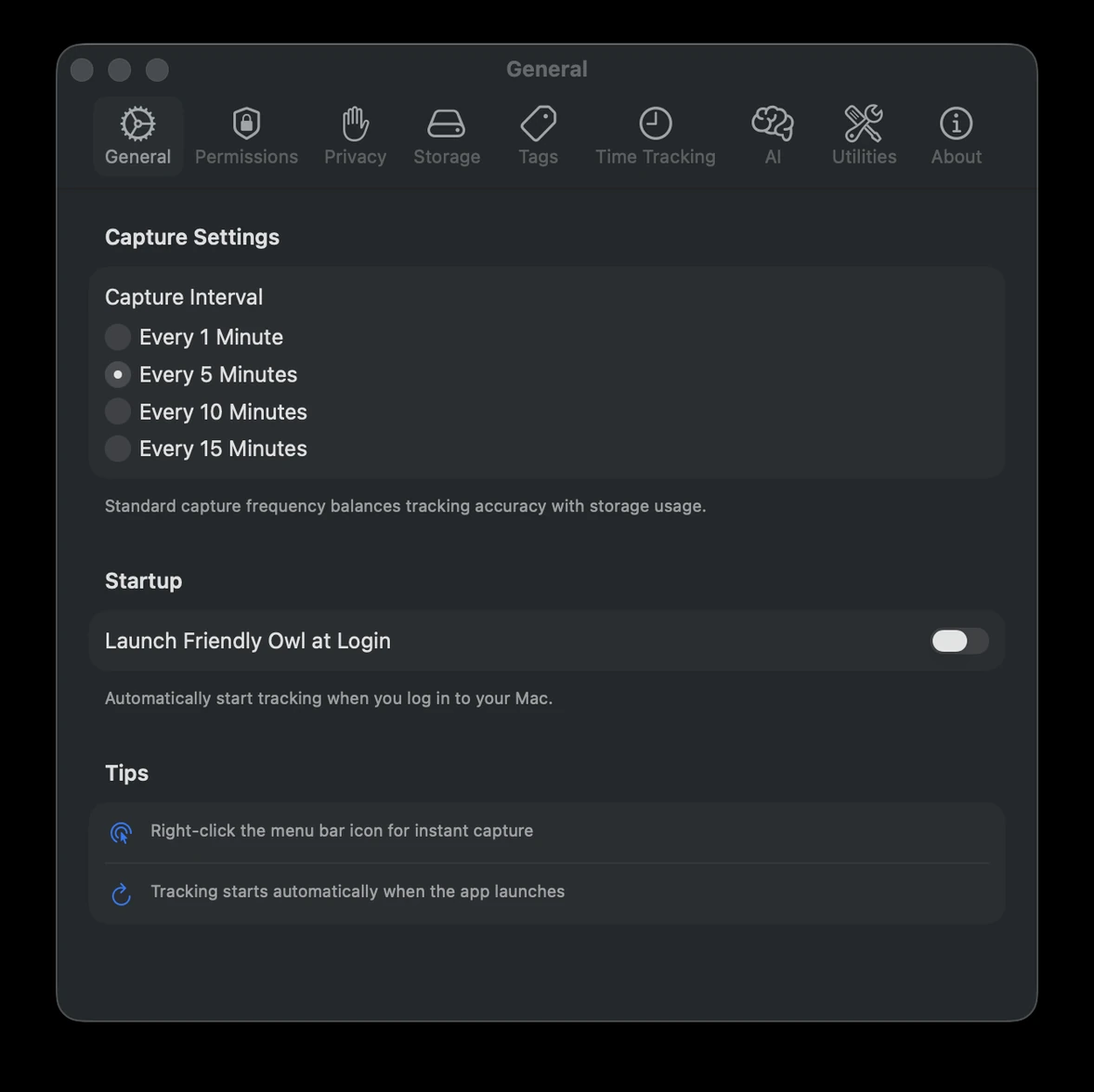
General settings
Tune capture cadence, startup behavior, and the everyday defaults that keep tracking invisible.
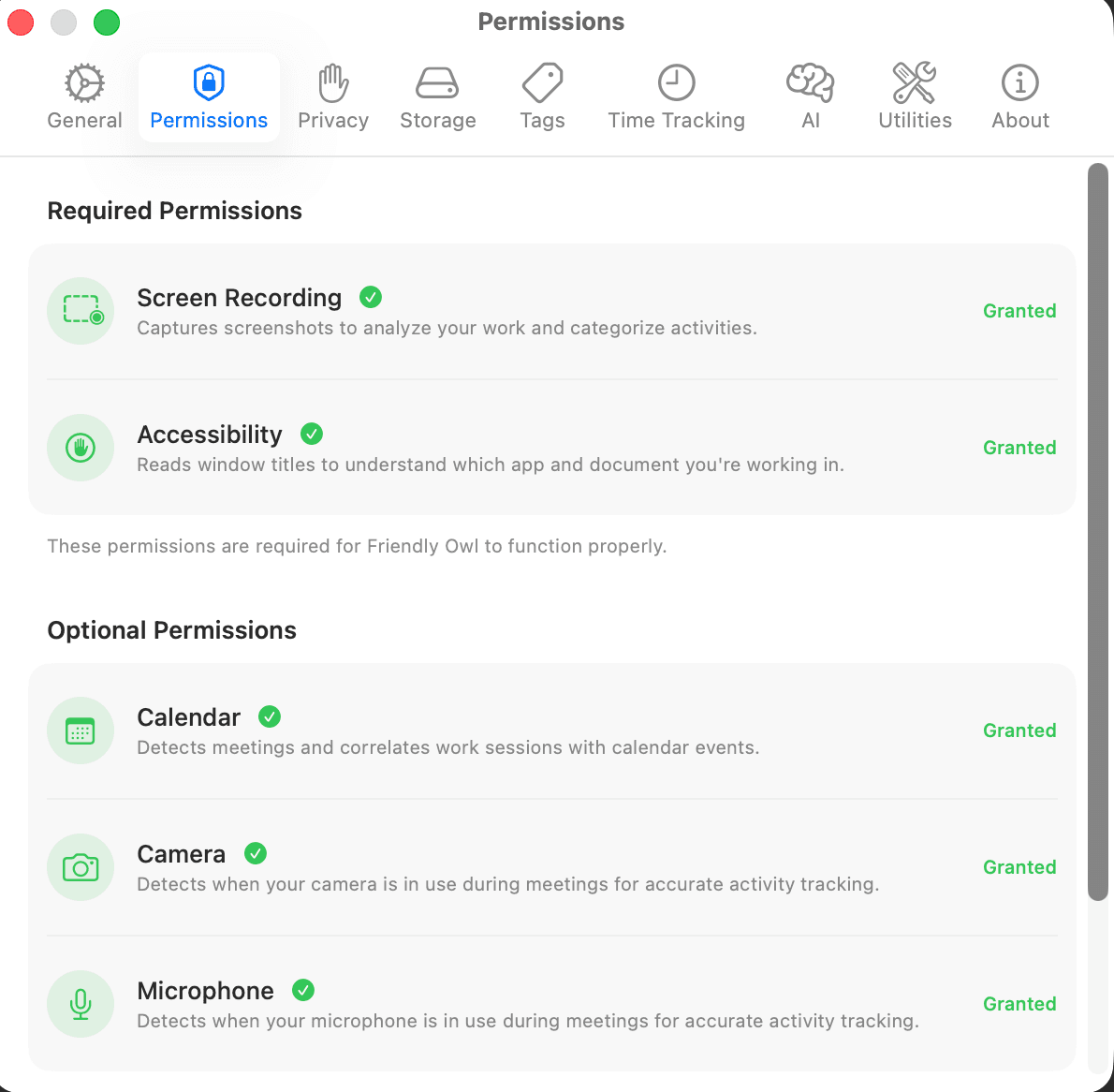
Permissions overview
See required and optional macOS permissions in one place before you start relying on the app.
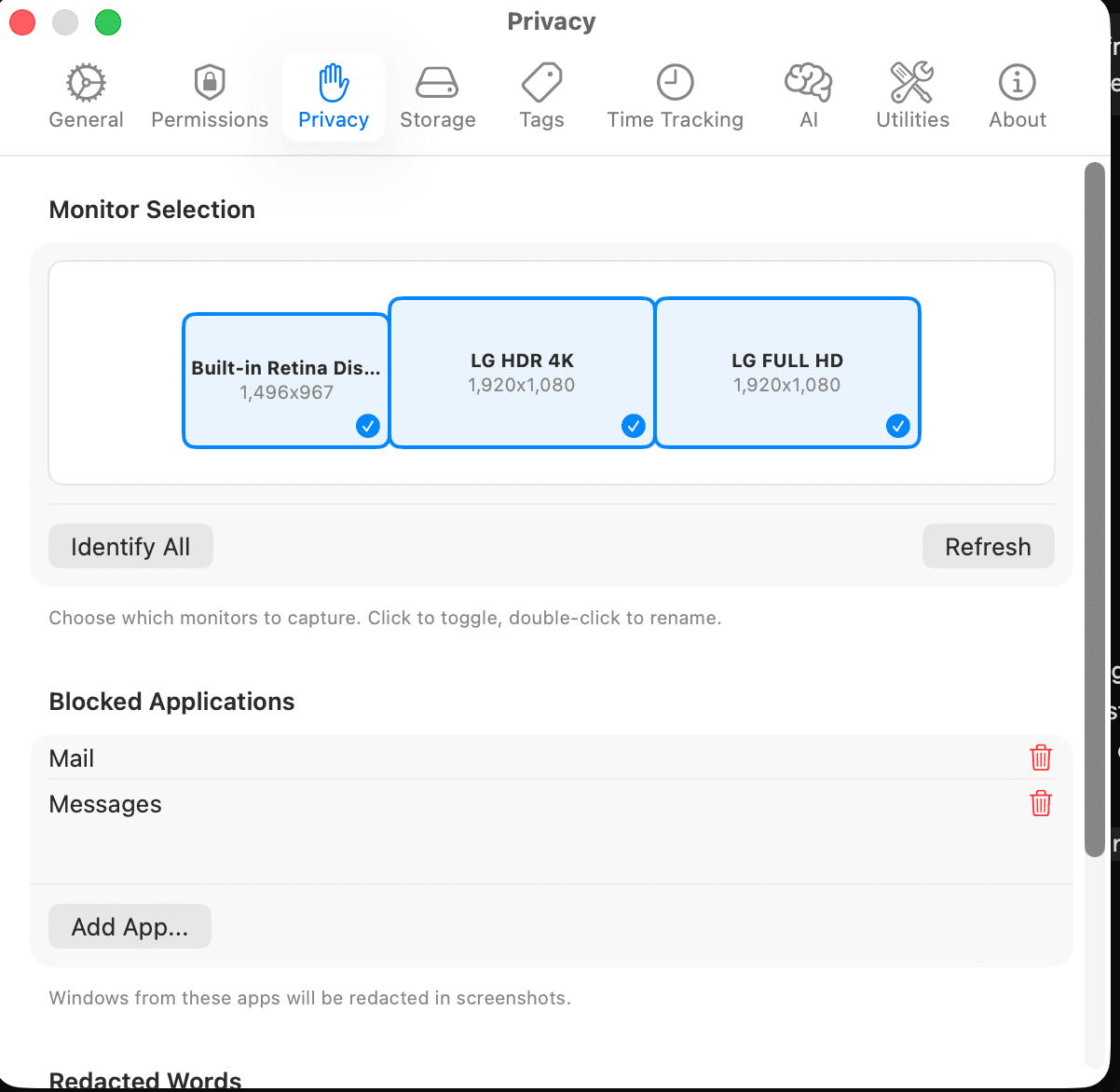
Privacy controls
Choose monitors, block sensitive apps, and keep redaction controls close at hand.
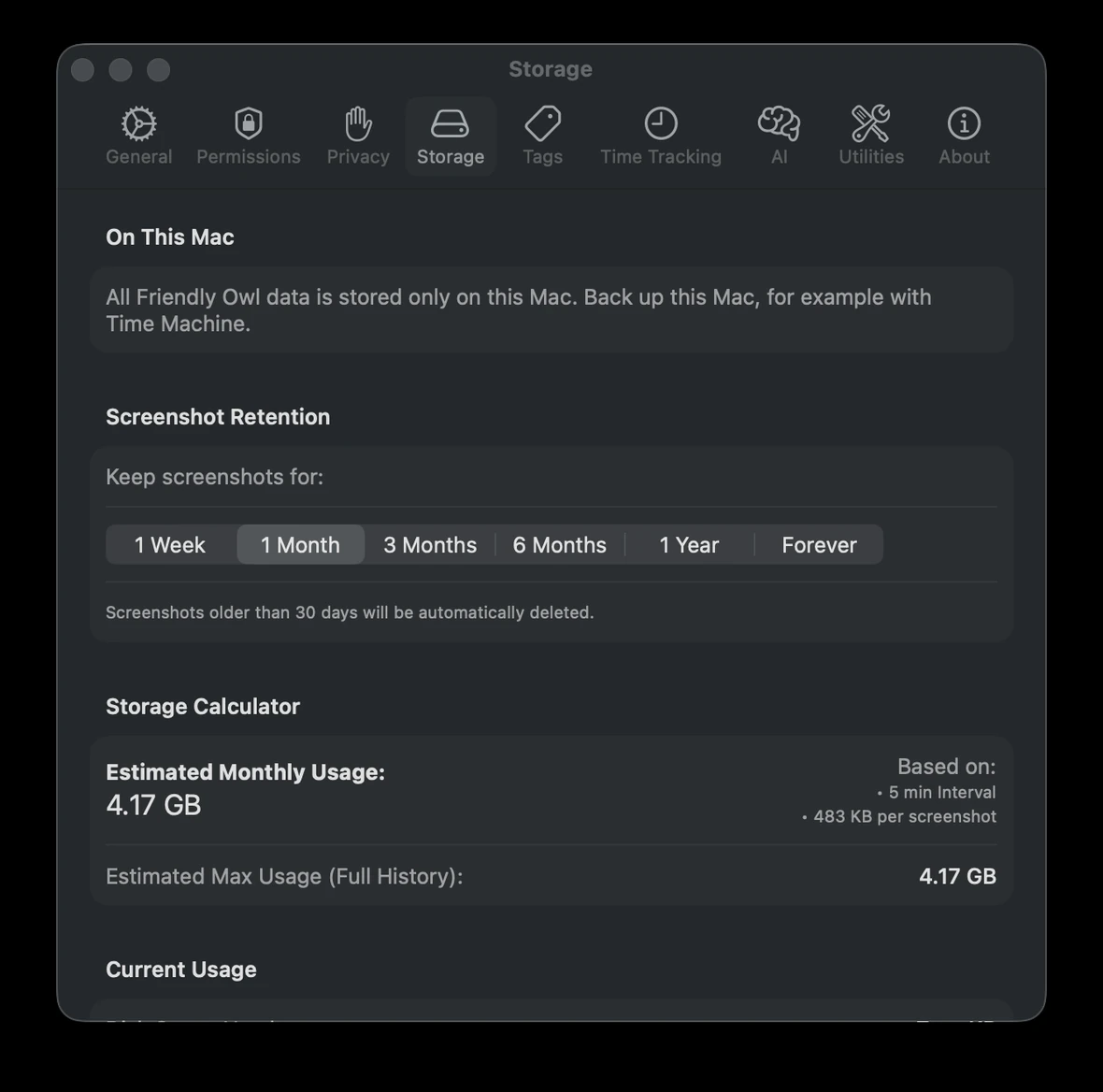
Storage settings
Preview monthly usage, set how long screenshots are kept, and manage storage without guesswork.
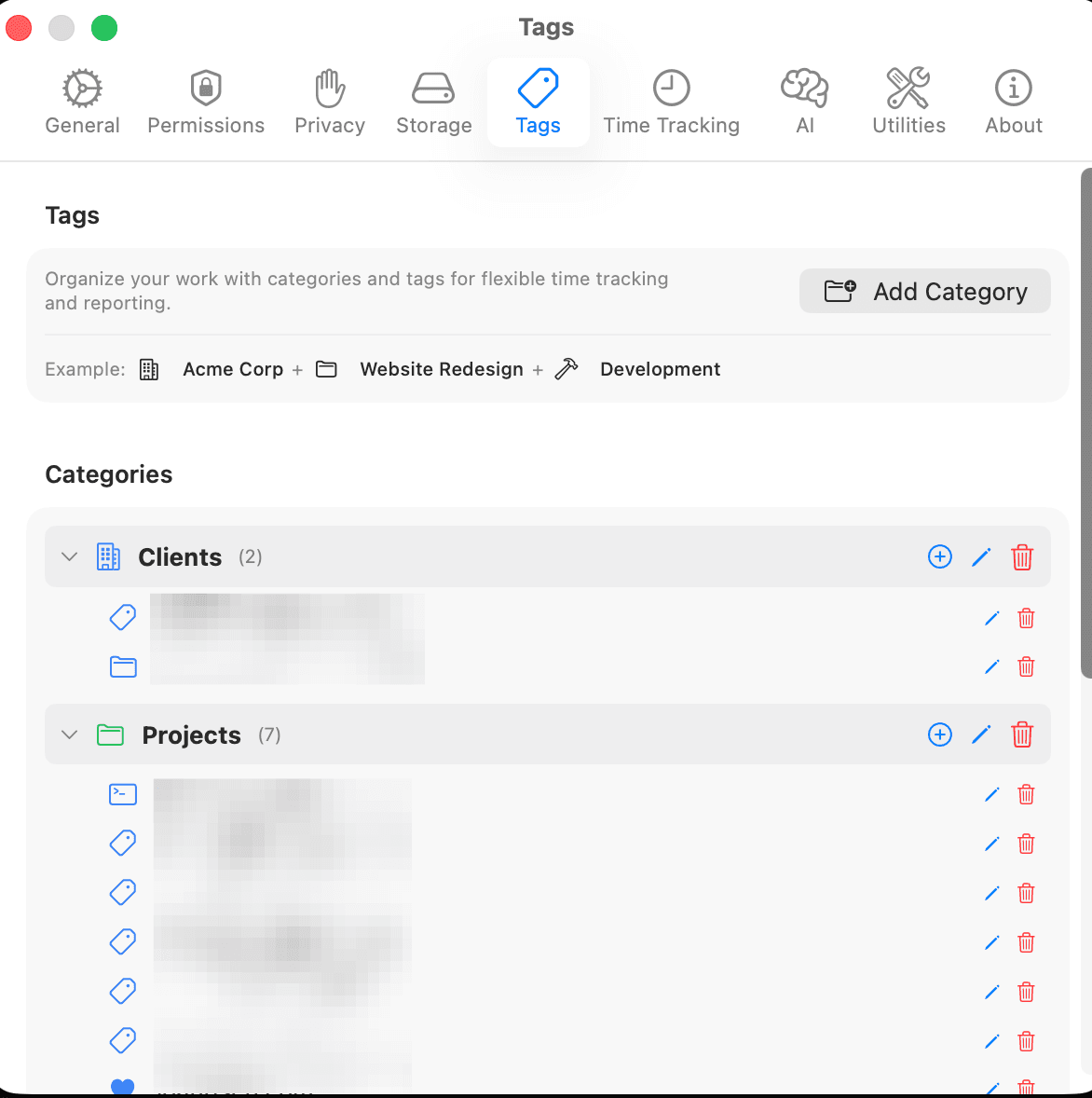
Tags management
Organize clients, projects, and work categories so time tracking stays useful instead of noisy.

Time tracking rules
Match your billing style with exact or rounded entries and simple, readable defaults.
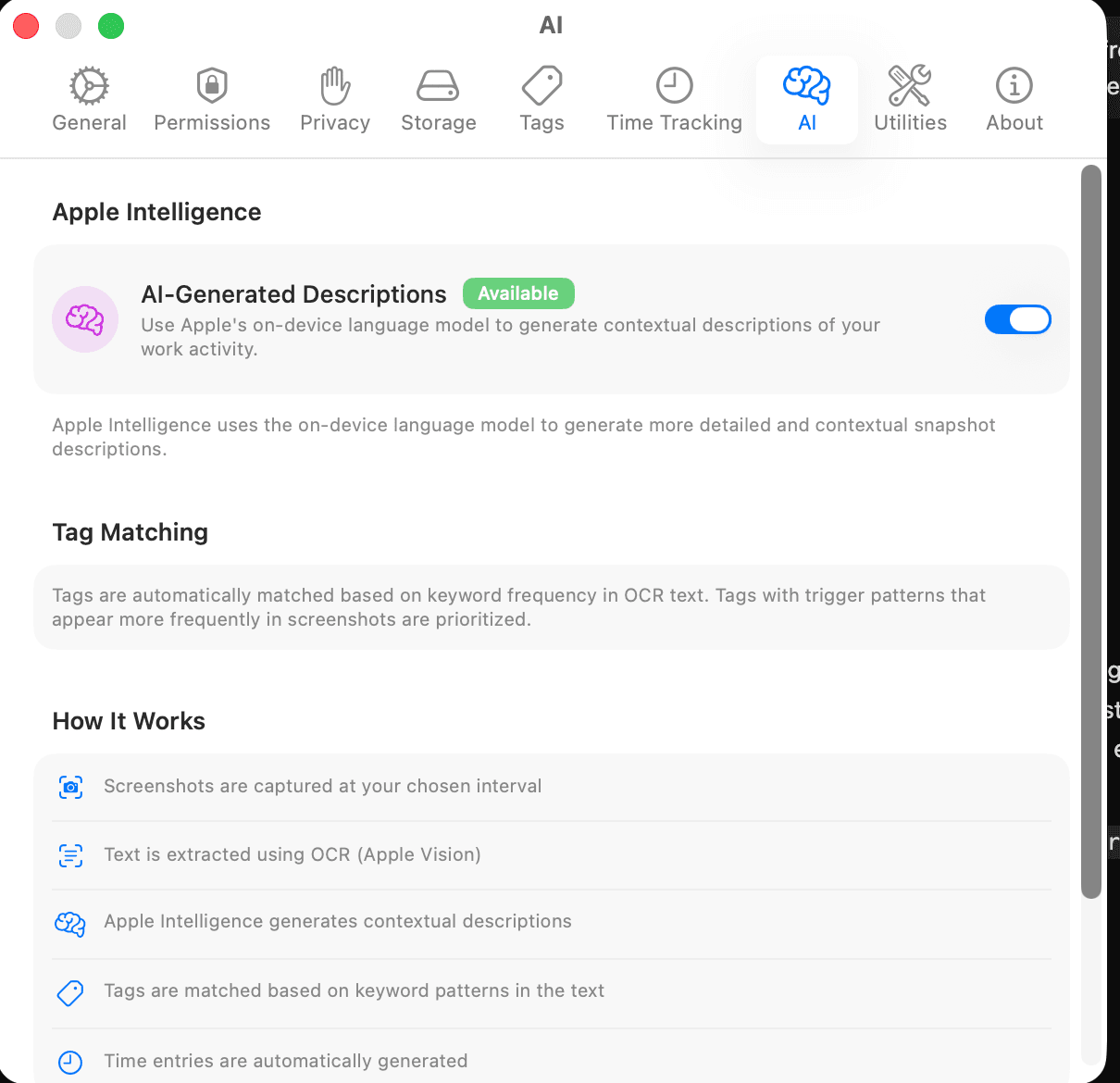
AI settings
Turn on Apple Intelligence descriptions. The reasoning stays on your Mac.
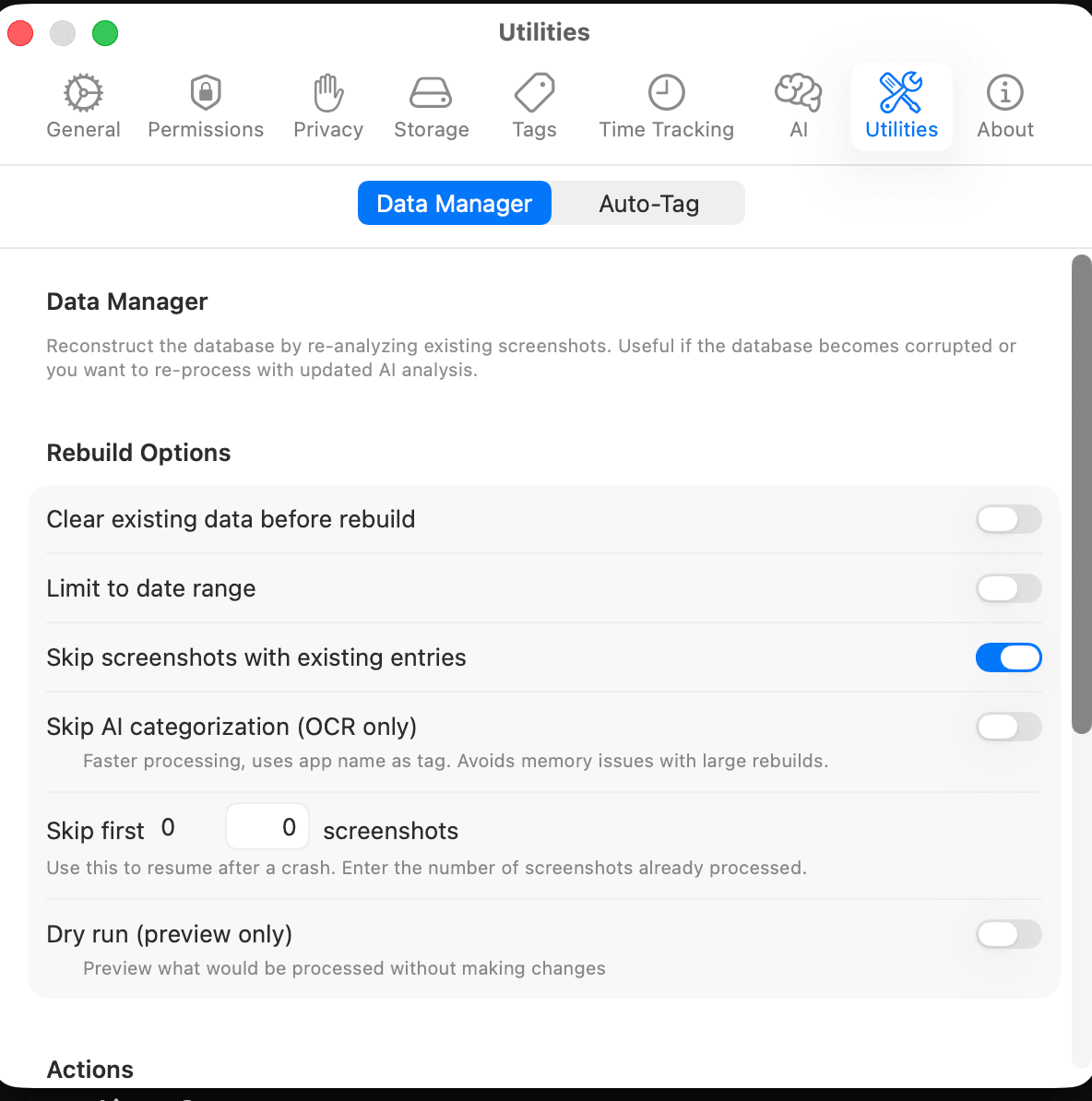
Utilities toolkit
Rebuild, preview, and recover data with explicit controls instead of opaque background magic.
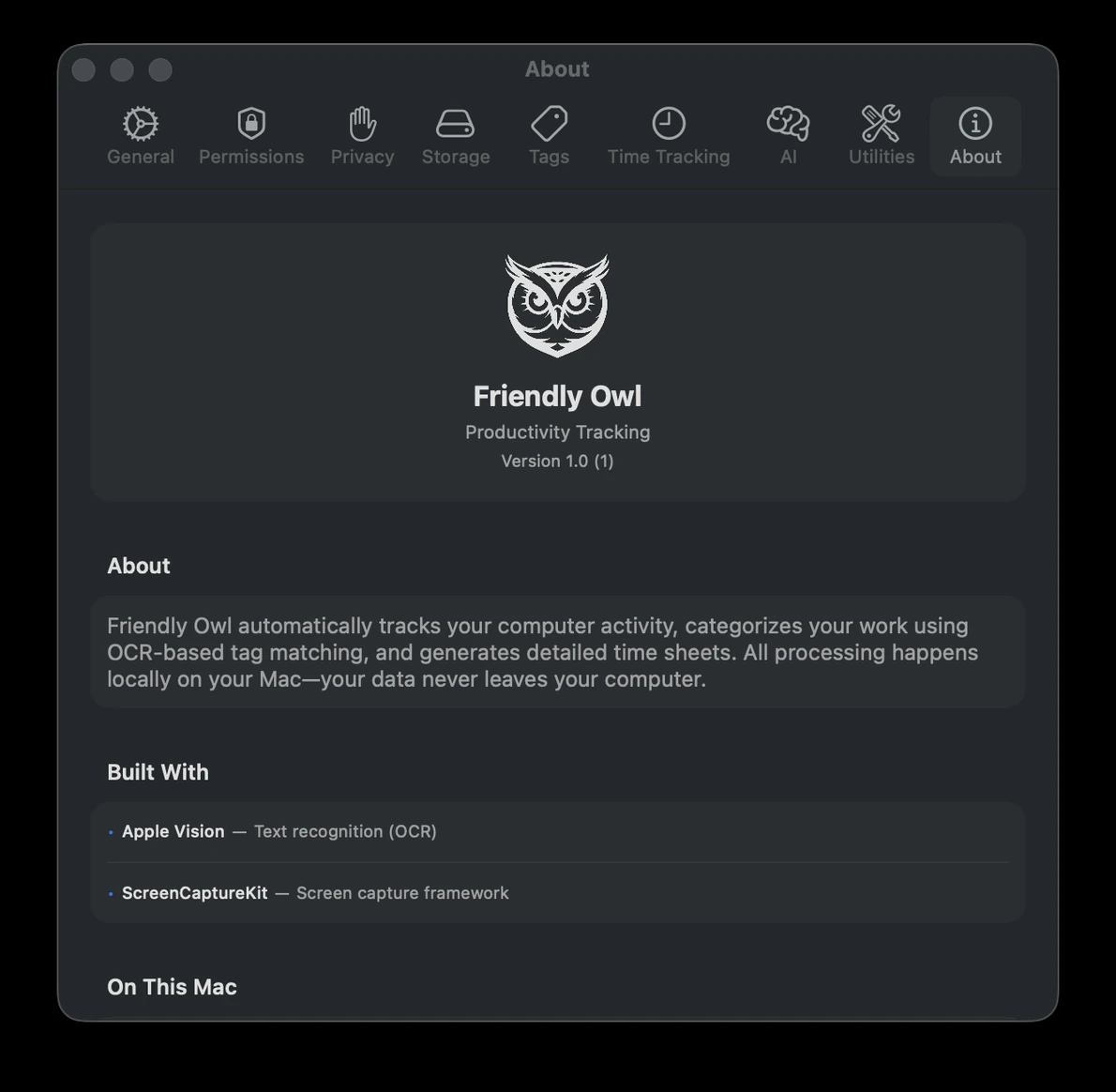
About Friendly Owl
A fully local Mac app for daily time tracking.
Simple, transparent pricing
Friendly Owl for Mac. $29.99 one-time on the Mac App Store.
Friendly Owl for Mac
Paid upfront on the Mac App Store.
Friendly Owl for Mac · $29.99 one-time
Everything is processed and stored on your Mac. Nothing is sent anywhere. You are responsible for backups, for example with Time Machine.
Built by a builder for builders.
We get it. You're building 5 things at once and “tracking time” is just another chore.
Time tracking guilt
“Forgot to start the timer... again.”
The Solution
It just knows. No buttons, no guilt.
Context switching
“Wait, what was I even doing?”
The Solution
Every app and minute, written down.
End-of-week mystery
“Where did my 40 hours actually go?”
The Solution
A timeline you can actually bill from.
Privacy
“I want my work to stay on this Mac.”
The Solution
It stays on your Mac. Nothing is sent anywhere.
Join the parliament.
Friendly Owl for Mac
Friendly Owl for Mac · $29.99 one-time
*we were going to call it a murder, but parliament is technically correct